

Website Cloner
Paste a URL to clone a website, preview the editable result, customize it with AI, and deploy.
No setup
Paste a URL, get a project
Instant preview
Preview the result
One-click deploy
Live hosting
Clone a website from a URL
Paste a public URL. Kloner creates a supported website preview you can customize with AI and deploy when it is ready.
https://kloner.app
How to clone a website
1
Paste a URL
Drop in a public website URL and Kloner builds a supported starting point.
Drop a link
URL:https://example.com
2
Preview the website clone
Review the generated layout, sections, and structure before changing a detail.
Preview pages
Home
Services
About
3
Make it your own
Swap copy, colors, images, and sections until the site feels right.
AI Agent
Live editingU
You
Make the hero headline shorter, add a pricing section, and connect the CTA to signup.
K
Kloner Agent
Done. I tightened the headline, generated a pricing section, and wired the primary CTA to your signup flow.
Updated copyAdded sectionCTA linked
U
You
Also add auth and a database, and make it look more premium.
K
Kloner Agent
Added login, a simple DB model, and updated the UI spacing/typography for a cleaner look.
Auth addedDB connectedUI refined
Ask the agent…
4
Deploy your website
Publish the finished version when your editable website is ready to go live.
Deploying live…
Building, optimizing, shipping
Deployed
Your project is live
1234
What you get with a website clone
Start from a public URL, review the supported website structure and available assets, edit the result with AI, and deploy when it is ready.
Start free preview
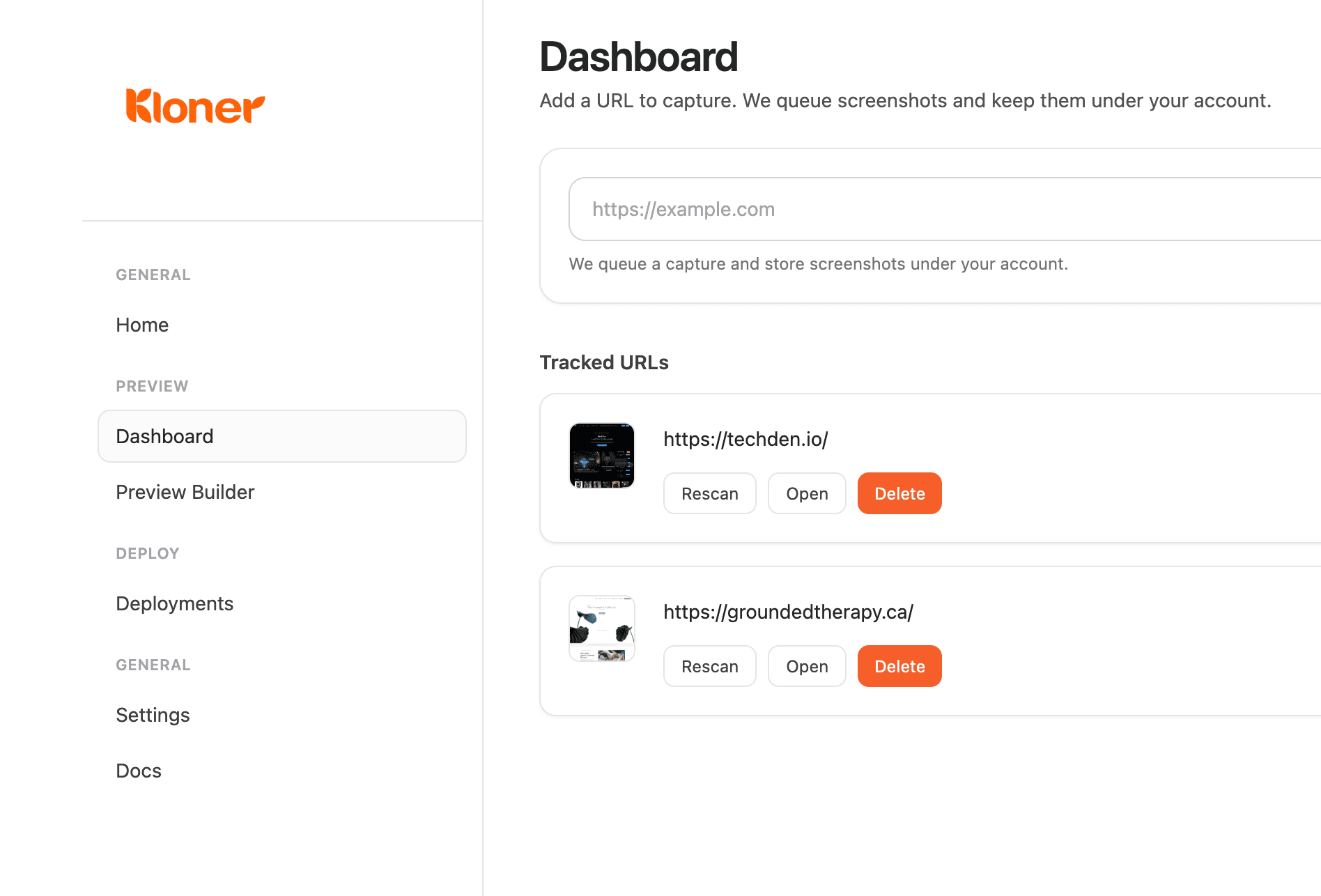
Simple dashboard
Keep every site copy project organized in one place.
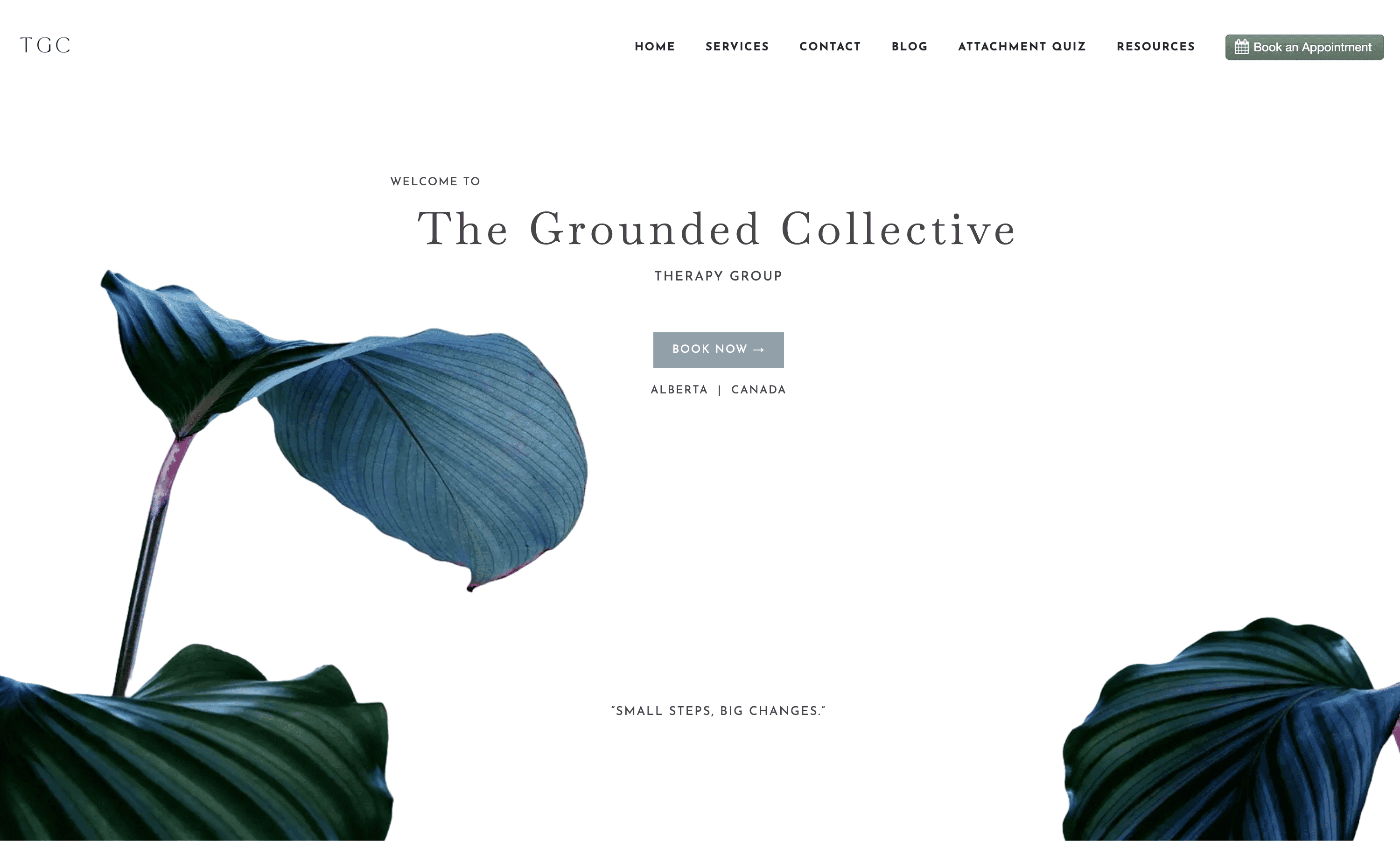
Website accuracy
Capture the structure clearly so the clone feels familiar right away.
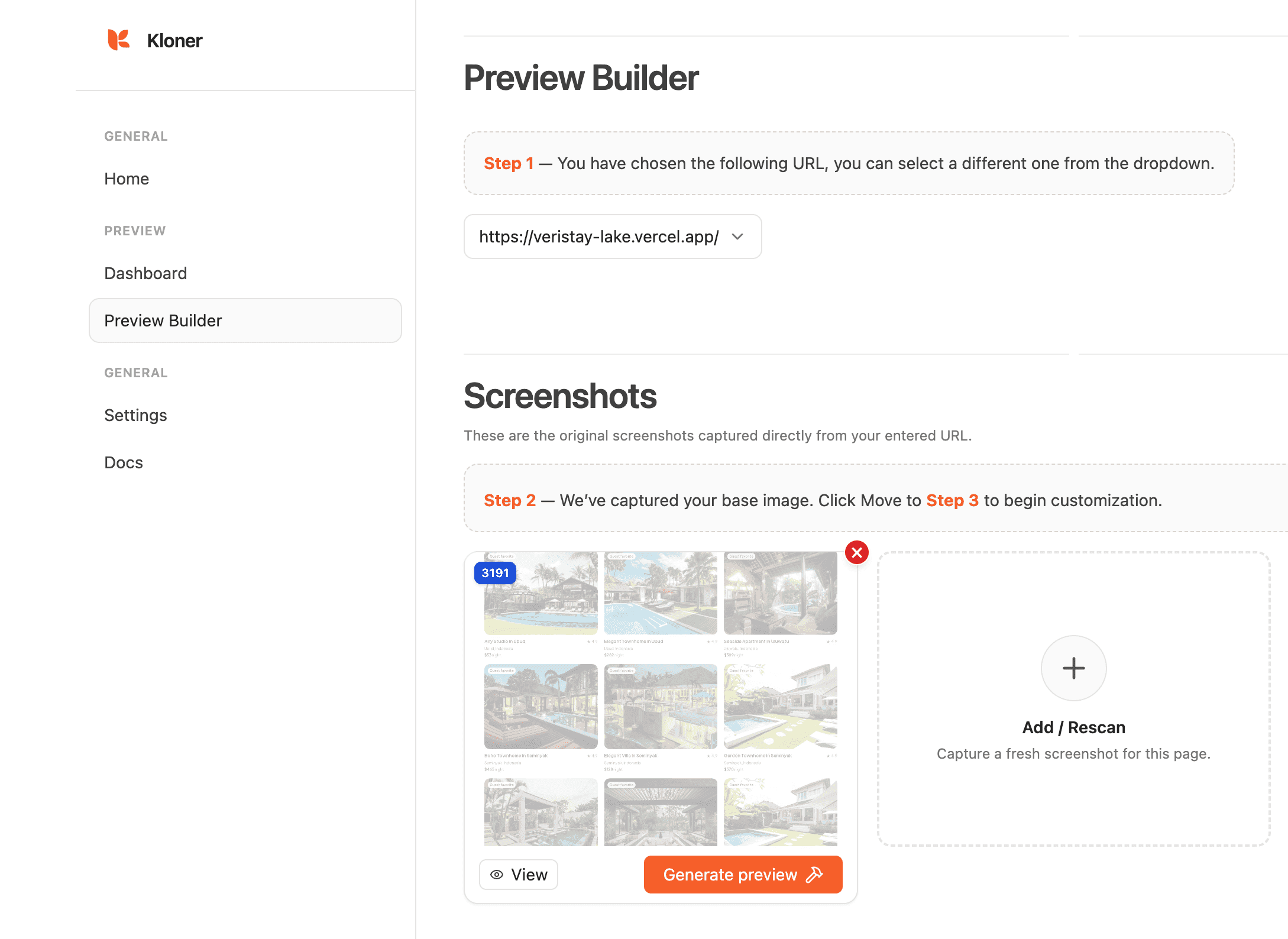
Editable previews
Rescan and refine until the copied layout feels right.
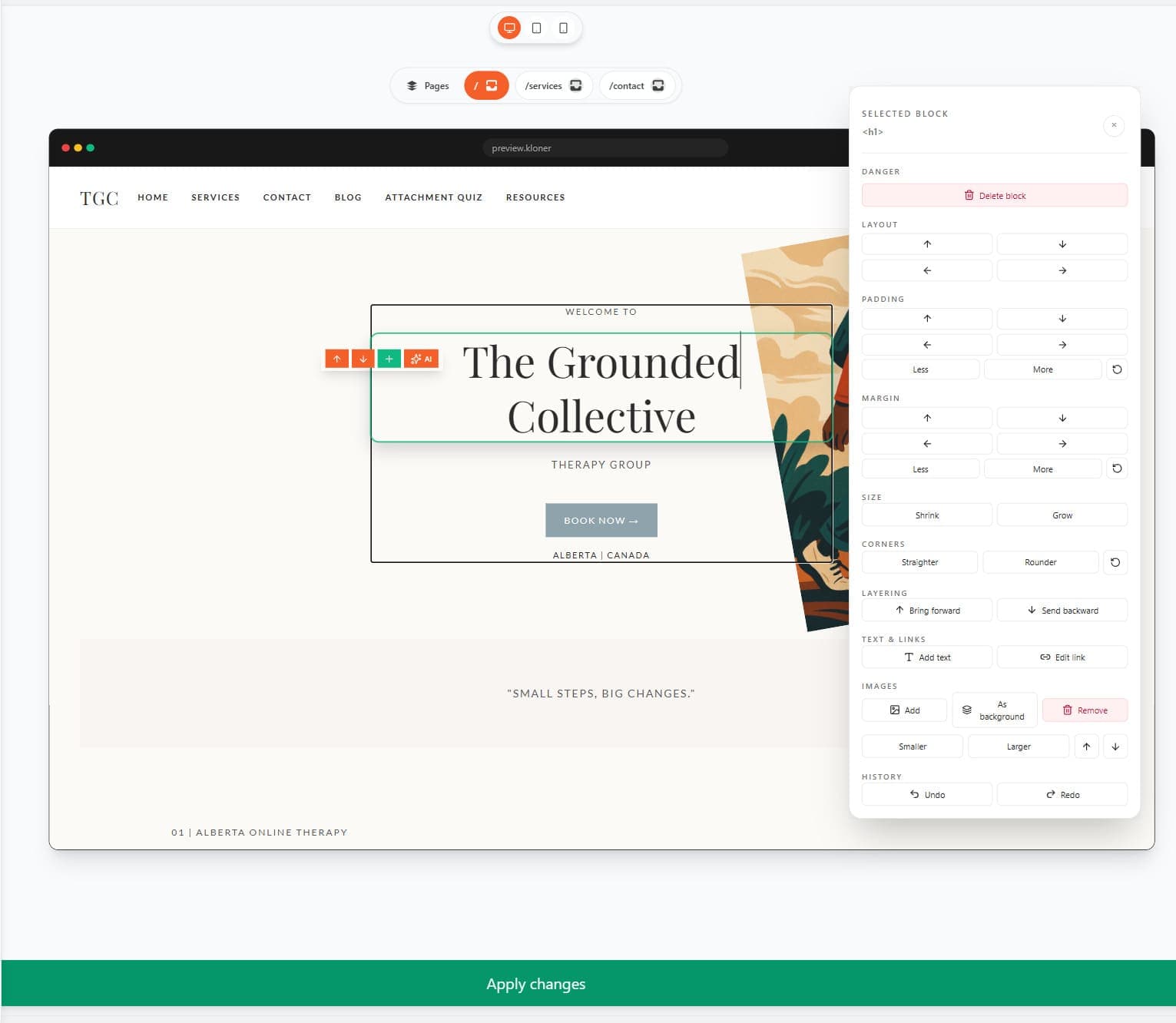
Full customization
Change text, visuals, blocks, and code until the site is yours.
Website cloner FAQ
Straight answers about cloning a website from a URL, editing the result, and publishing it responsibly.
A website cloner turns a supported public webpage into an editable project starting point. Kloner captures the available structure, styling, and assets so you can review and make the result your own.
Paste a supported public URL into Kloner, start the preview, review the generated website clone, then customize the copy, visuals, and sections before publishing.
Kloner offers limited free preview access for supported public websites. Editing and publishing depend on your account and current plan; the pricing page has the latest details.
Use Kloner only with websites and content you own or have permission to capture and reuse. You are responsible for respecting copyright, trademarks, privacy, terms of service, and other rights before publishing a clone.
Use a website clone as a starting point for a redesign, migration, landing page, learning exercise, or client mockup. Replace the original branding and content, then adapt the project to your own goal.
Kloner aims to preserve the supported page structure and visual direction, but accuracy depends on the source site. Review the preview and expect to refine content, responsive details, and interactions yourself.
A website cloner cannot reliably reproduce everything behind login walls, private content, server-only behavior, or heavily JavaScript-driven applications. Some forms, payments, integrations, and dynamic states need separate setup.
HTTrack and manual copying focus on downloading or reproducing files. Kloner is built around an editable preview workflow: start from a URL, review the structure, change it, and prepare the result for deployment.
No. You can start by pasting a URL and use the preview workflow without writing code. Coding knowledge is useful when you need deeper changes, custom integrations, or production-specific configuration.
Yes. The point of the editable website clone is to give you a starting point you can refine. Change text, colors, images, sections, and other supported project details before you publish.
You can prepare the finished project for the available publishing integrations, including Vercel. Choose hosting that fits your project and connect your own domain when your setup is ready.
Freelancers, agencies, students, and founders use website cloning workflows to explore ideas, create client mockups, learn from layouts, test landing pages, and move faster from reference URL to editable project.
Join5,000+Kloner members shipping sites in minutes
Save time
Start from templates instead of blank pages and cut the heavy setup work.
Save money
Ship polished sites without paying premium platform fees for every project.
Boost your output
Handle five roles from one place, without extra overhead.