

AI Website Cloner — Clone a Website from a URL
Paste a URL. Customize your website with AI. Launch.
Limited free preview · Pricing
No setup
Paste a URL, get a project
Instant preview
Preview the result
One-click deploy
Live hosting
Clone a website from a URL
Paste a public URL. Kloner creates a supported website preview you can customize with AI and deploy when it is ready.
https://kloner.app
“I pasted a URL, cloned the layout, and had my own version live the same day. Zero setup. Instant preview. One click deployment.”
0
Start from a URL
Use a supported public website as your starting point
0
Edit the result
Refine the generated website preview with AI
0
Deploy when ready
Publish your finished website through the available integrations
How to clone a website
1
Paste a URL
Drop in a public website URL and Kloner builds a supported starting point.
Drop a link
URL:https://example.com
2
Preview the website clone
Review the generated layout, sections, and structure before changing a detail.
Preview pages
Home
Services
About
3
Make it your own
Swap copy, colors, images, and sections until the site feels right.
AI Agent
Live editingU
You
Make the hero headline shorter, add a pricing section, and connect the CTA to signup.
K
Kloner Agent
Done. I tightened the headline, generated a pricing section, and wired the primary CTA to your signup flow.
Updated copyAdded sectionCTA linked
U
You
Replace the hero image, use my brand colors, and improve the mobile spacing.
K
Kloner Agent
Updated the hero image, applied your brand colors, and refined the spacing for smaller screens.
Image updatedColors appliedUI refined
Ask the agent…
4
Deploy your website
Publish the finished version when your editable website is ready to go live.
Deploying live…
Building, optimizing, shipping
Deployed
Your project is live
1234
Build your next website with Kloner
Built With
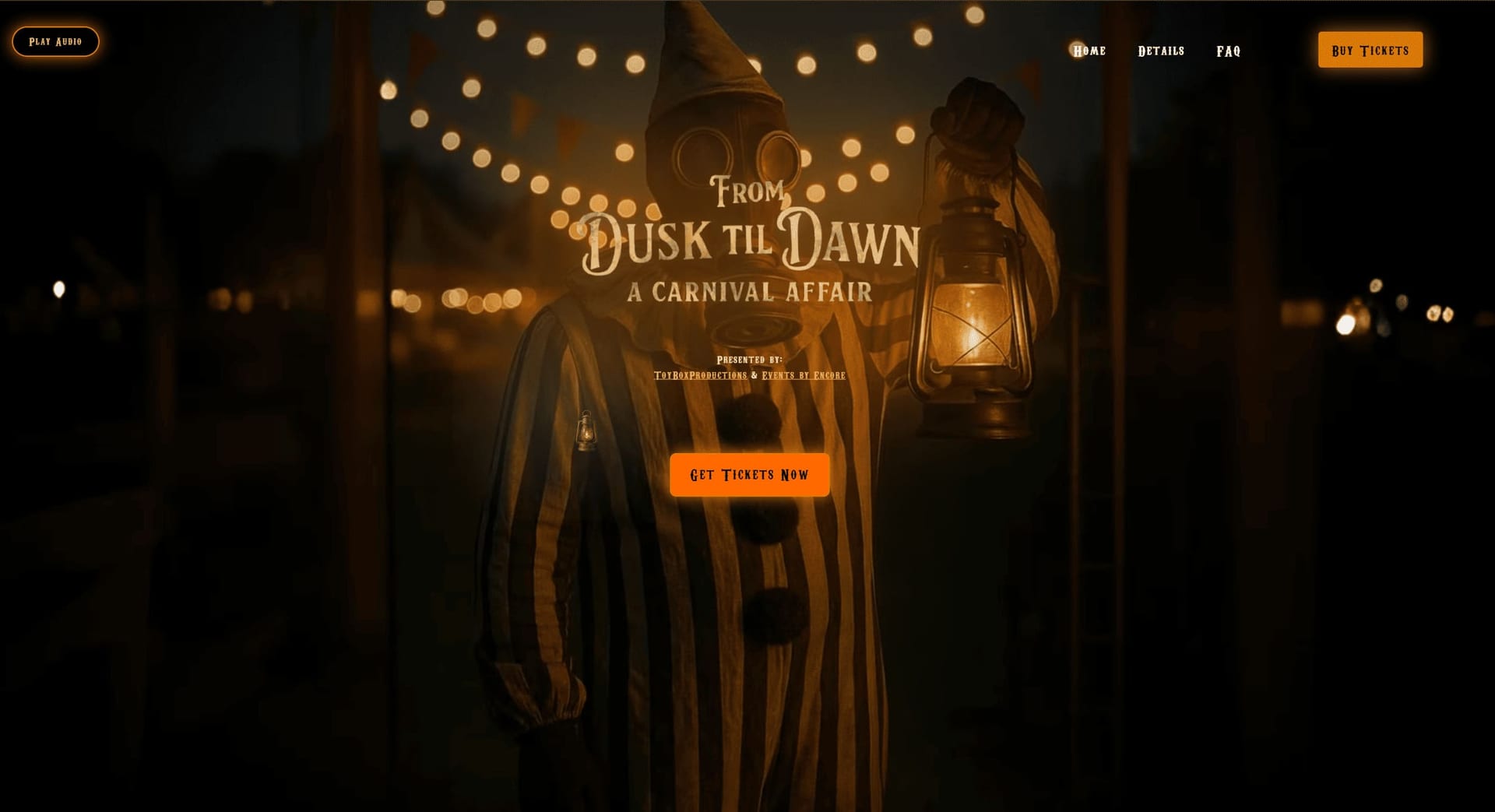
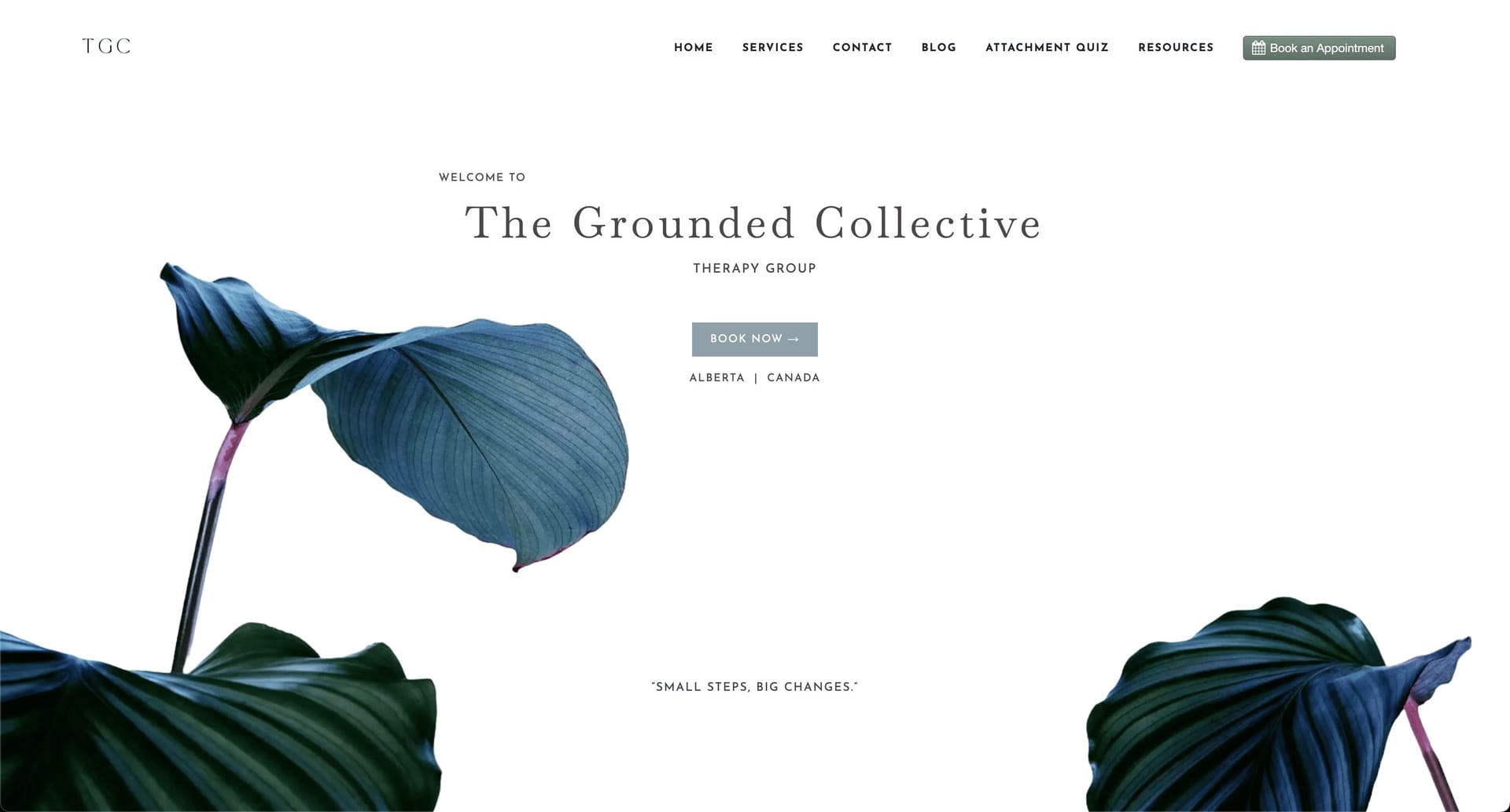
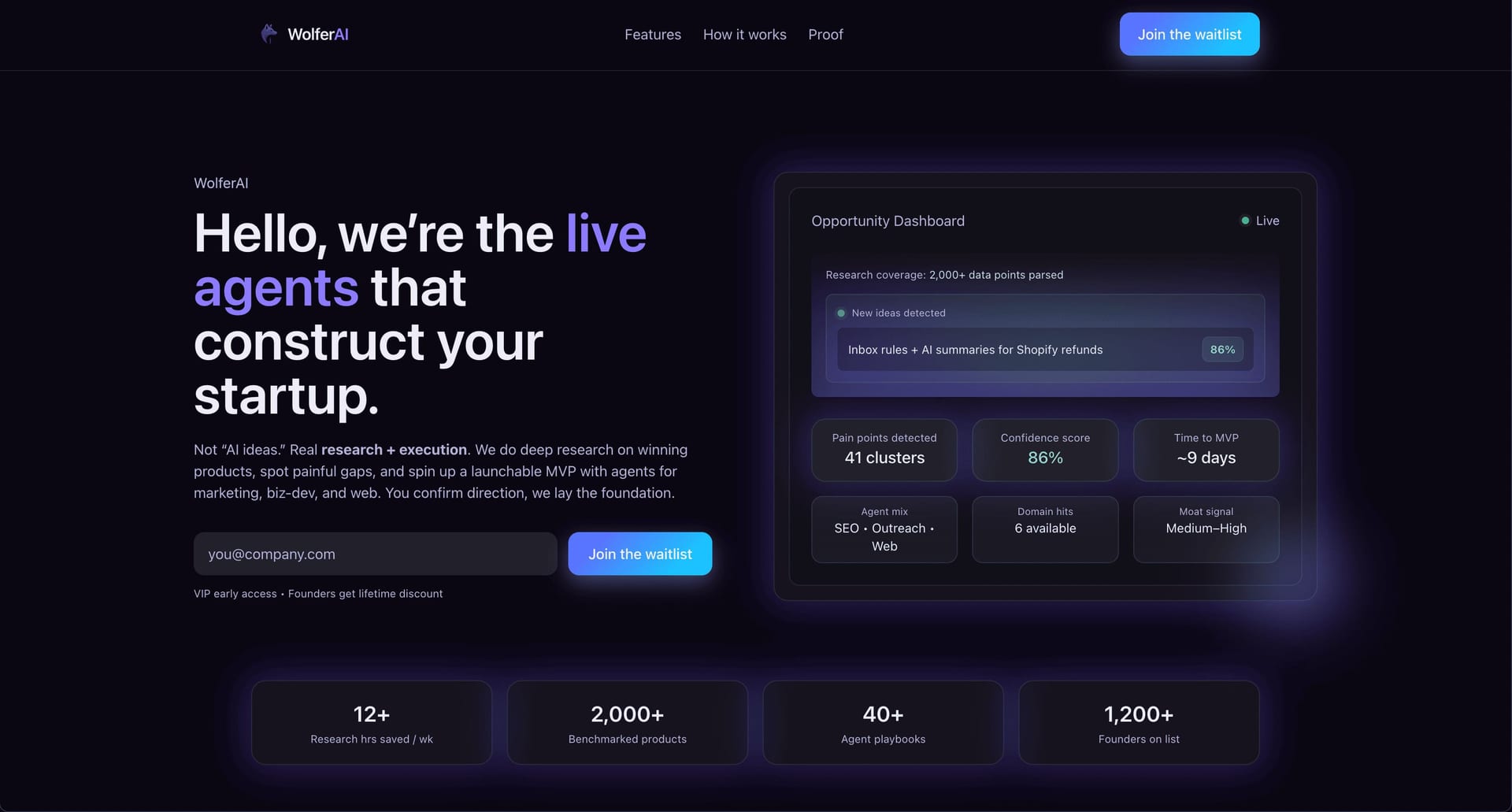
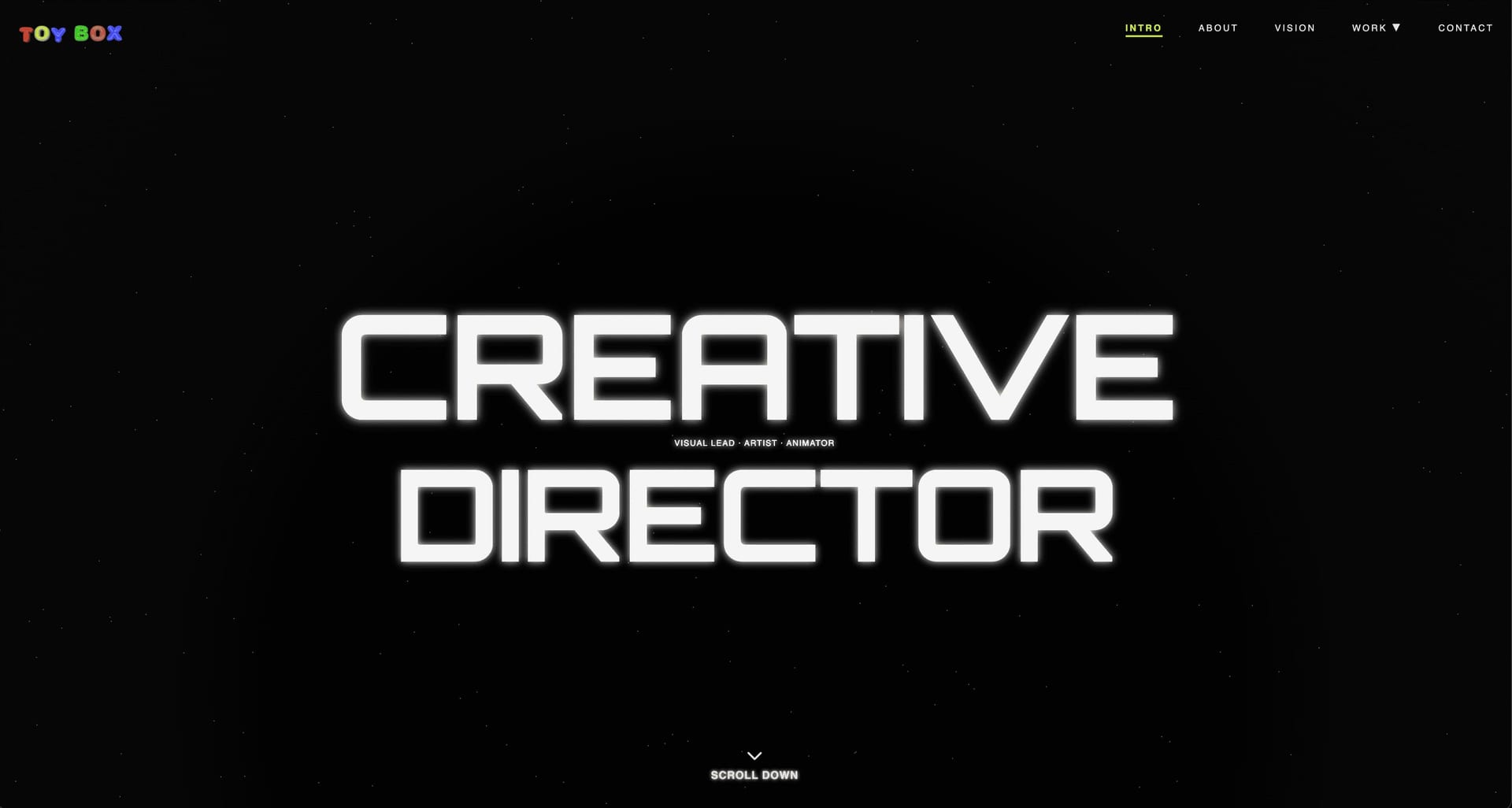
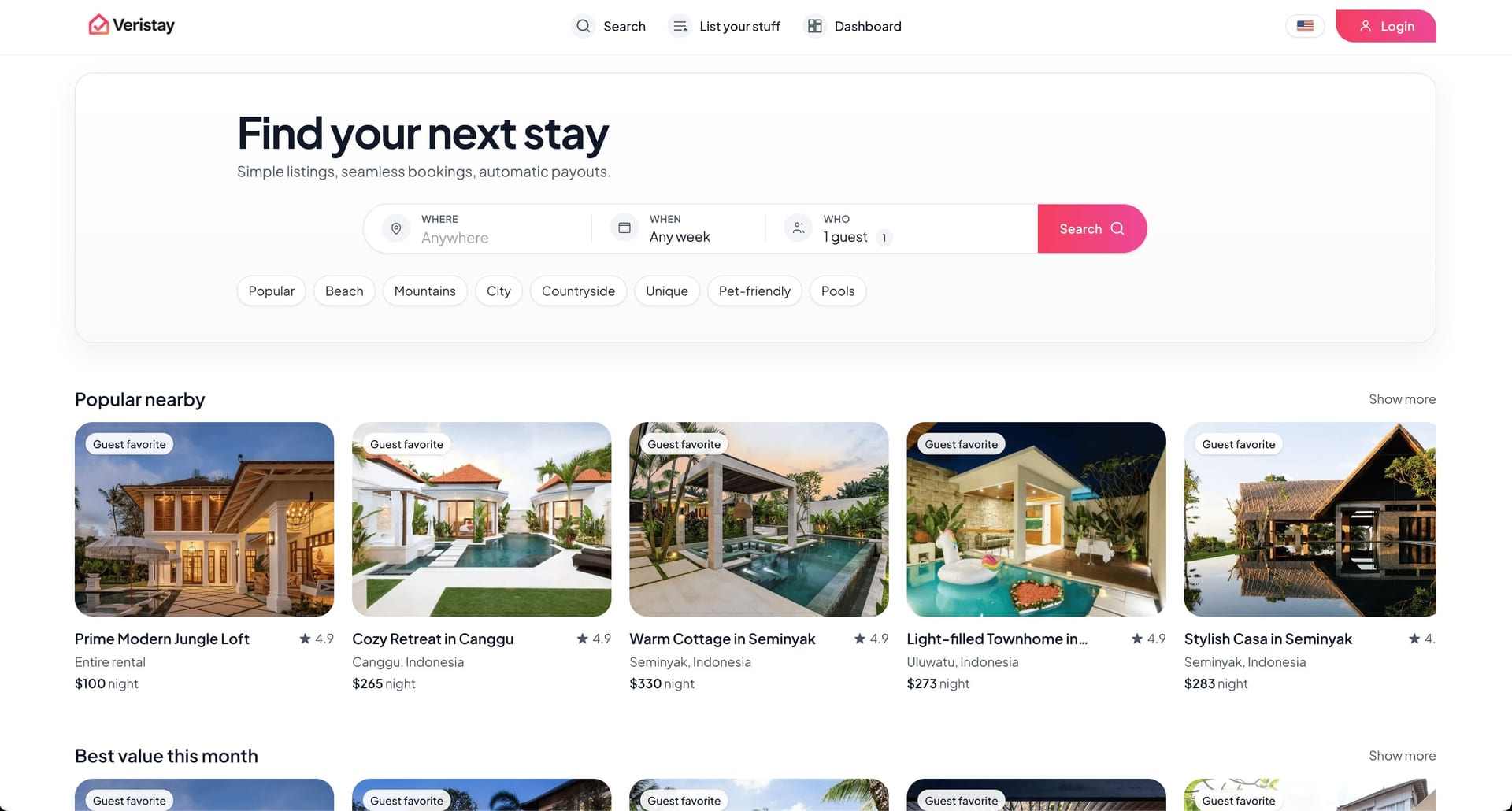
What your website cloner includes
Start from a public URL, review the supported website structure and available assets, edit the result with AI, and deploy when it is ready.
Start free preview
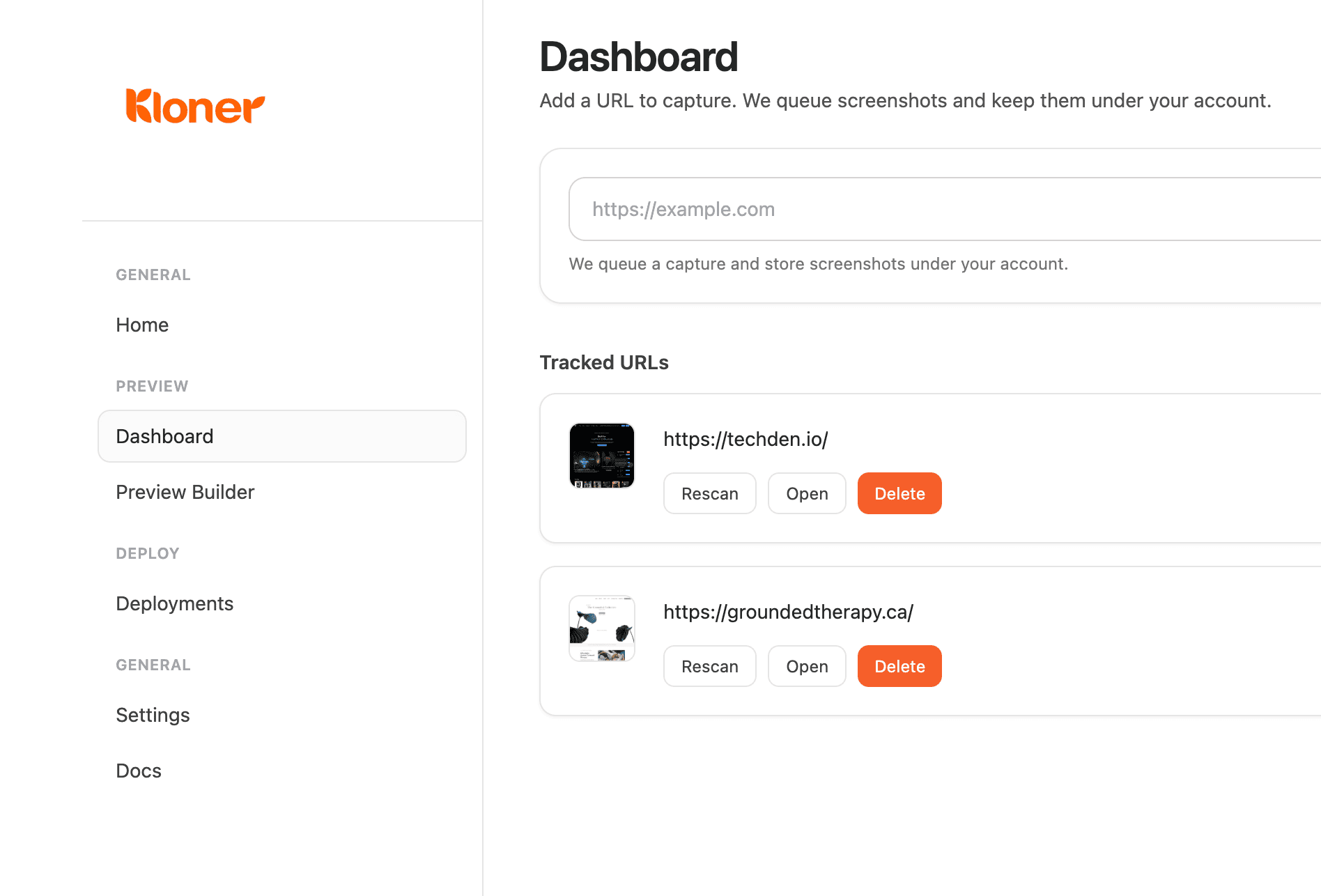
Simple dashboard
Keep every site copy project organized in one place.
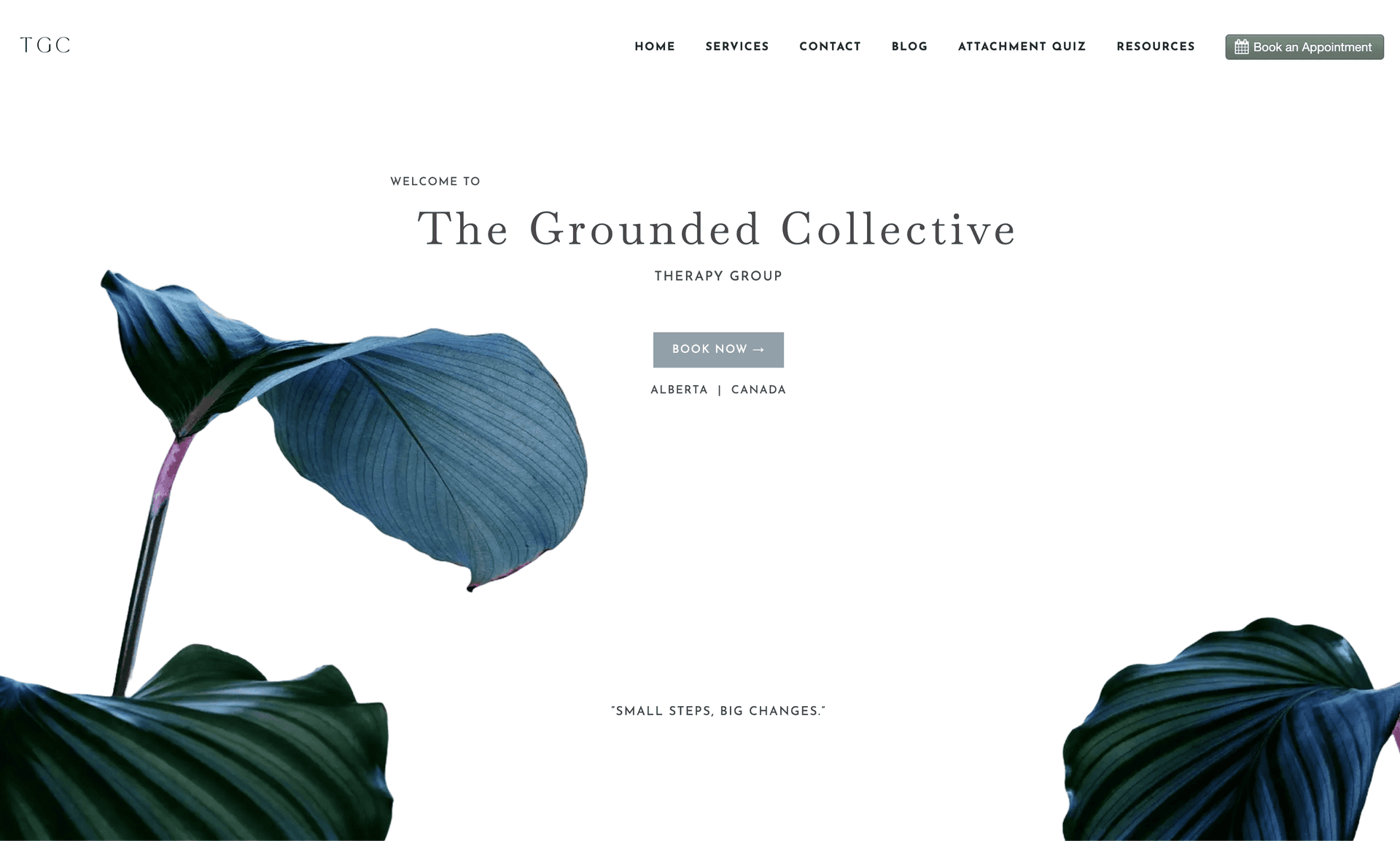
Website accuracy
Capture the structure clearly so the clone feels familiar right away.
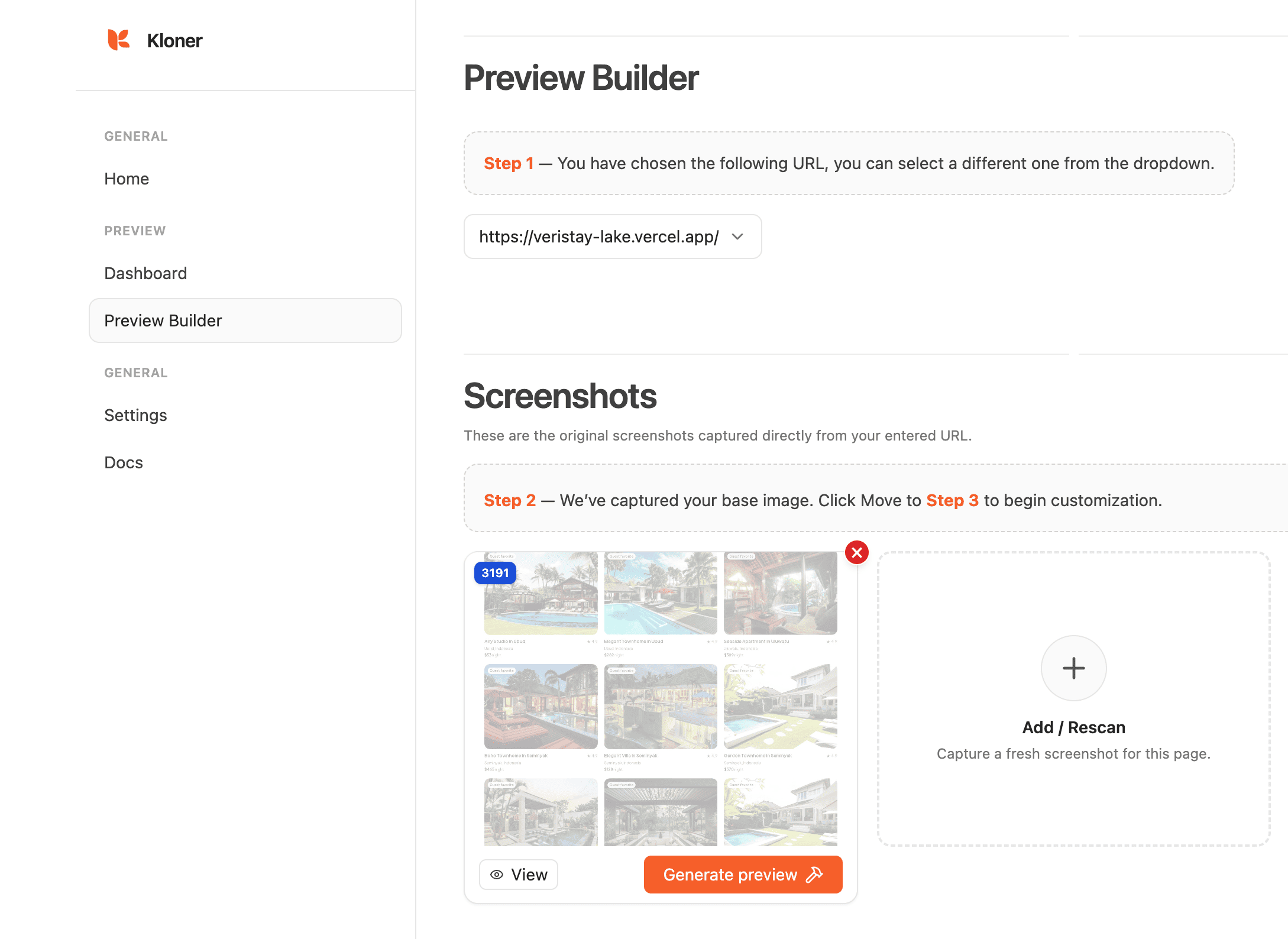
Editable previews
Rescan and refine until the copied layout feels right.
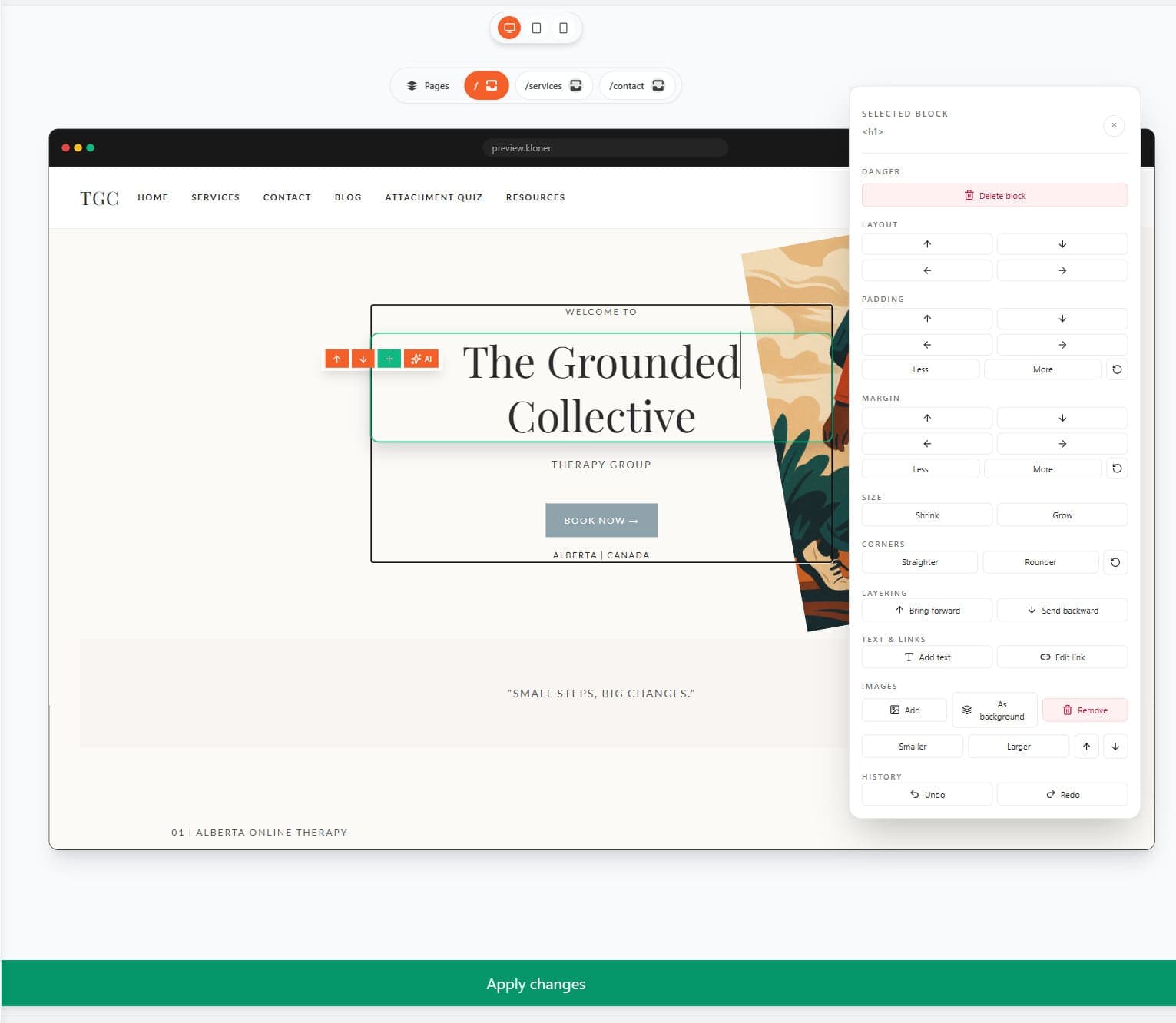
Full customization
Change text, visuals, blocks, and code until the site is yours.
Frequently Asked Questions
View documentation- Kloner turns a supported public webpage into an editable project for redesigns, landing pages, or client mockups.
- Paste a supported public URL, generate a preview, then customize the result. No coding is needed to get started.
- Yes. Change text, colors, images, and sections to make the project your own before publishing.
- Kloner offers limited free preview access. Editing and publishing depend on your plan. View pricing.
- Publish through available integrations, including Vercel, and connect your own domain when ready.
- Accuracy depends on the source site. Review the preview and refine content, responsive layouts, and interactions as needed.
- Private content and server-side behavior are not captured. Forms, payments, and dynamic features may need separate setup. Kloner creates an editable project rather than simply downloading files.
- Use only websites and content you own or have permission to reuse. Confirm your rights to the content, branding, and assets before publishing.

Start for free
Need a walkthrough? Learn how to clone a website from a URL or review free preview access and plan limits.