
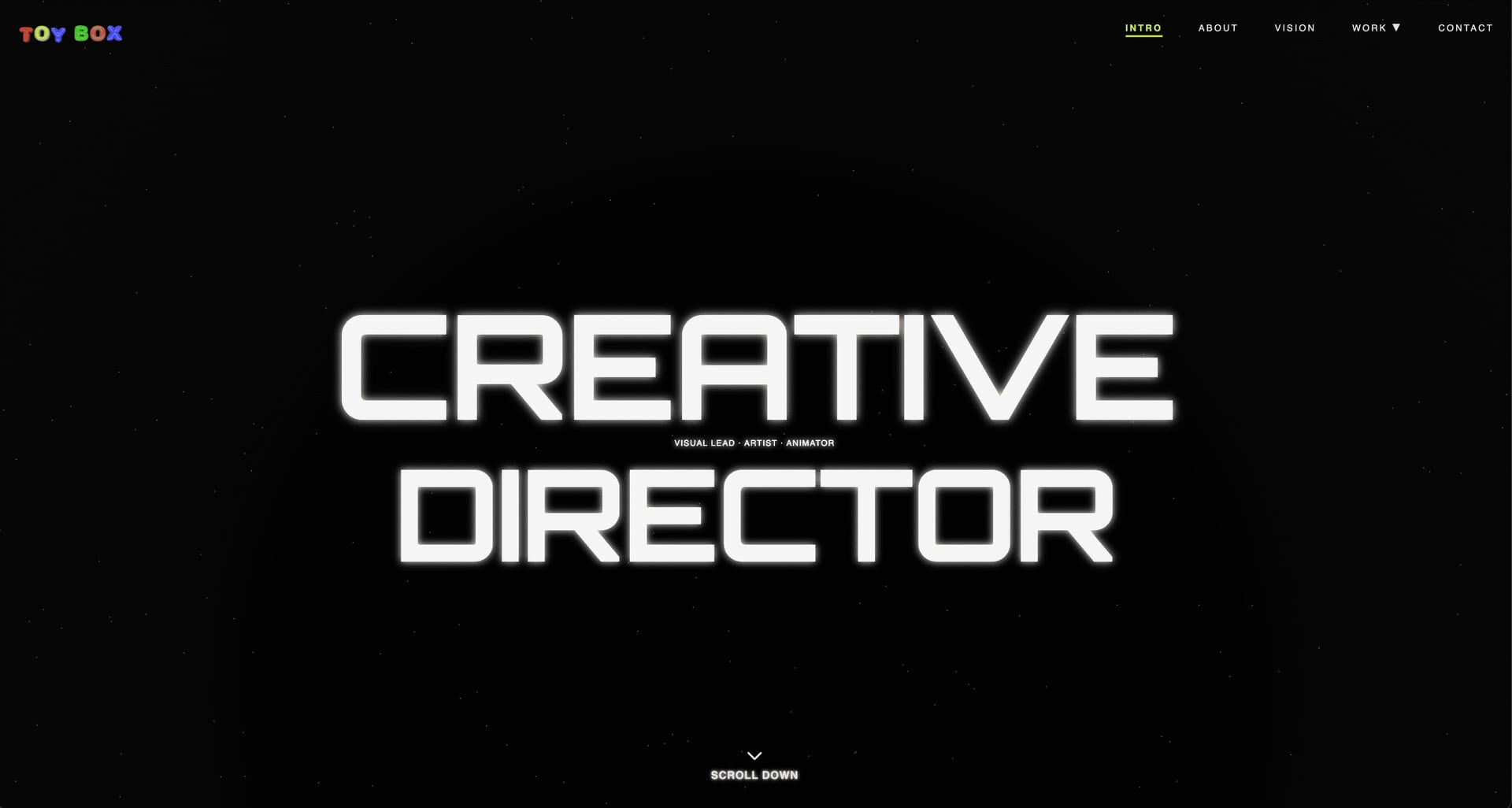
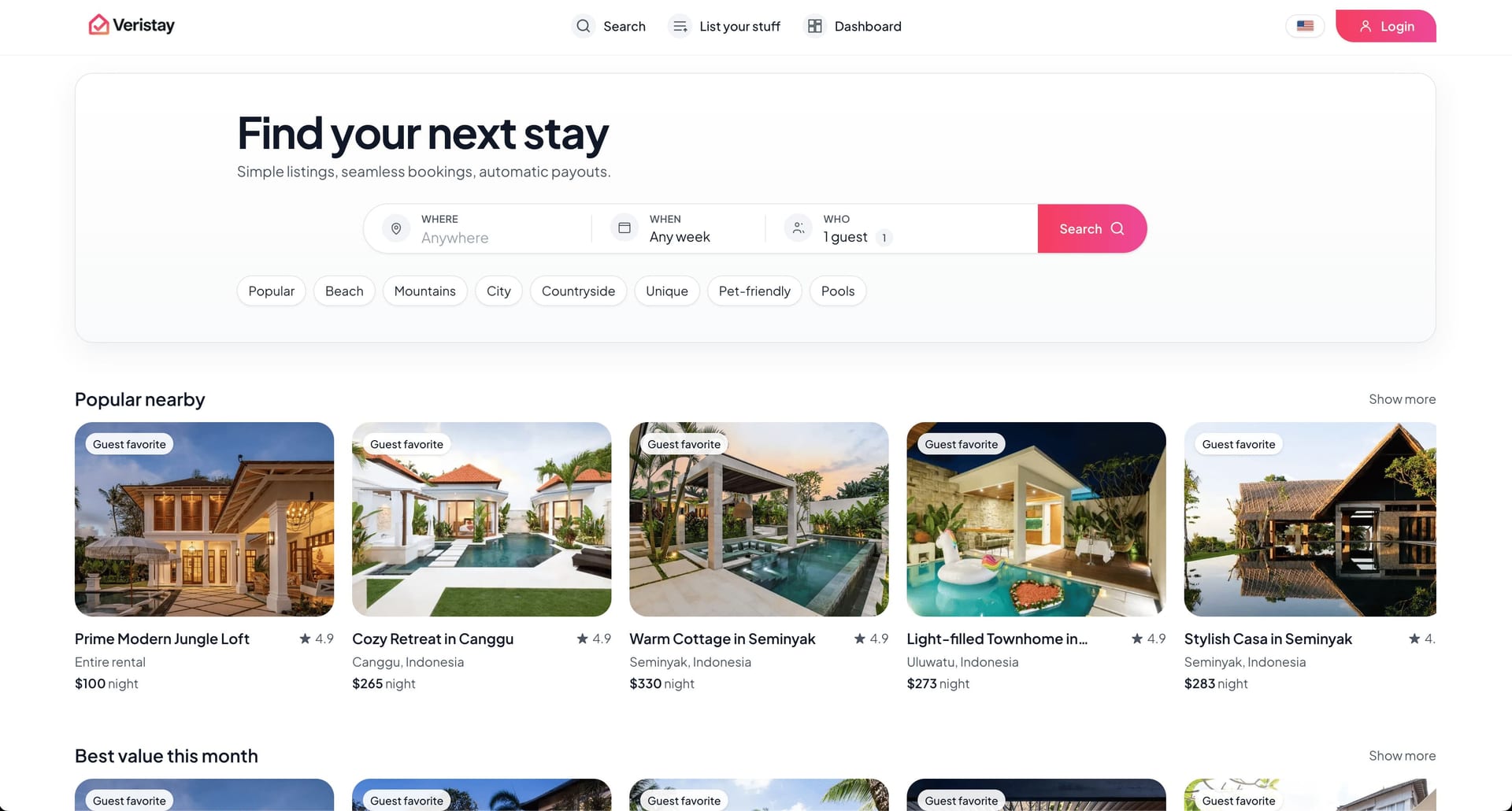
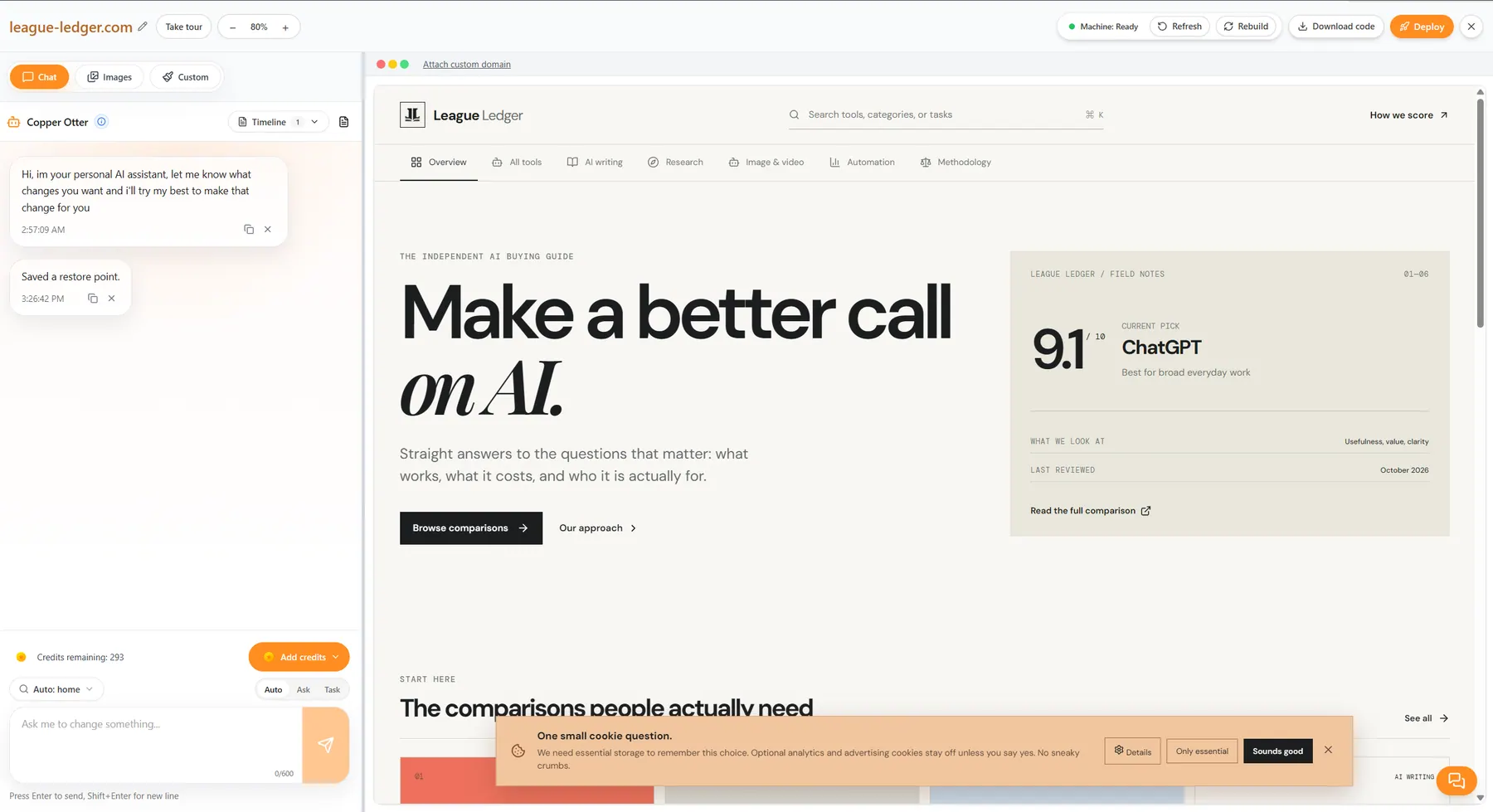
Customize with AI
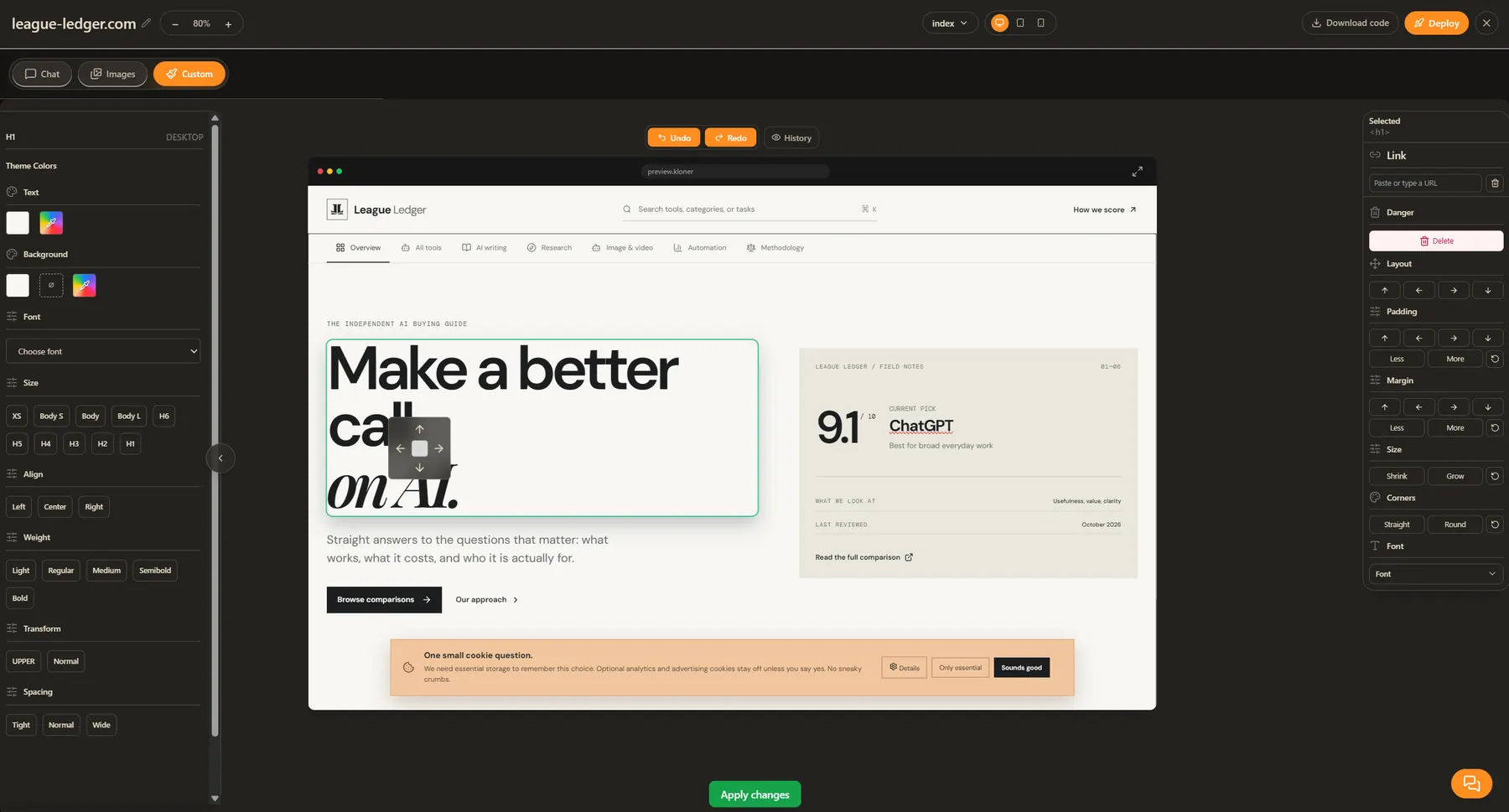
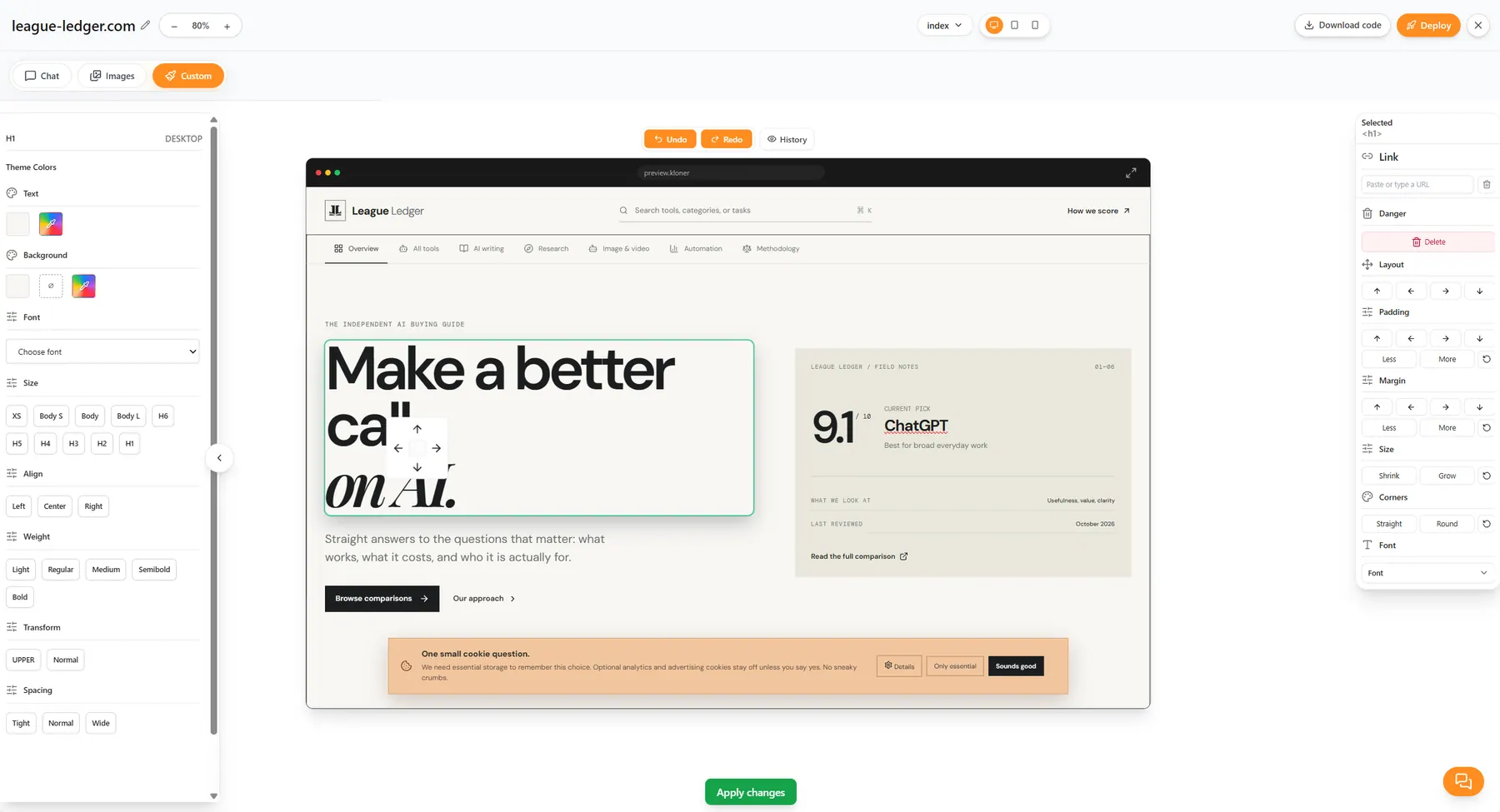
Select page elements and adjust the layout, spacing, and style directly.
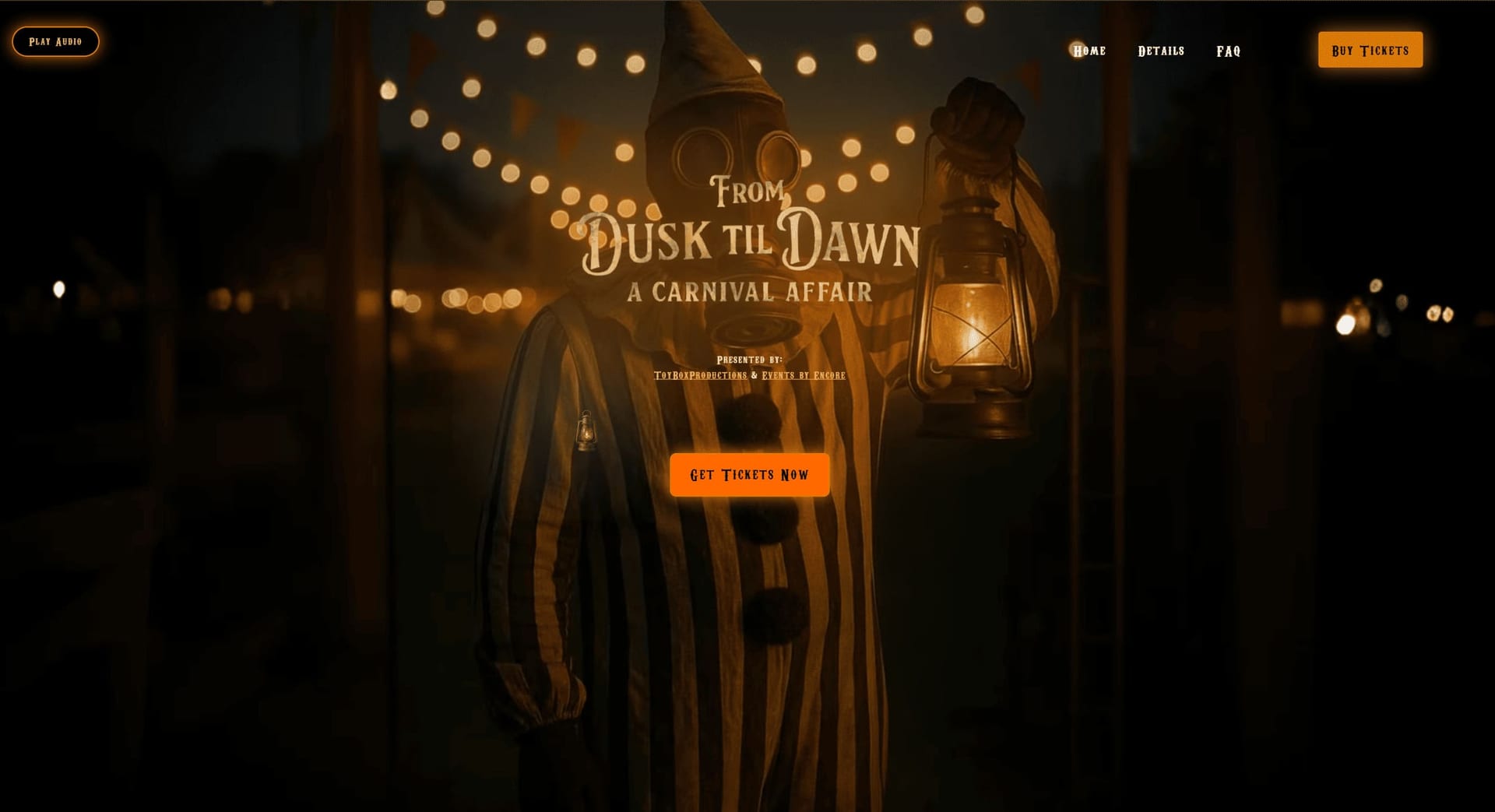
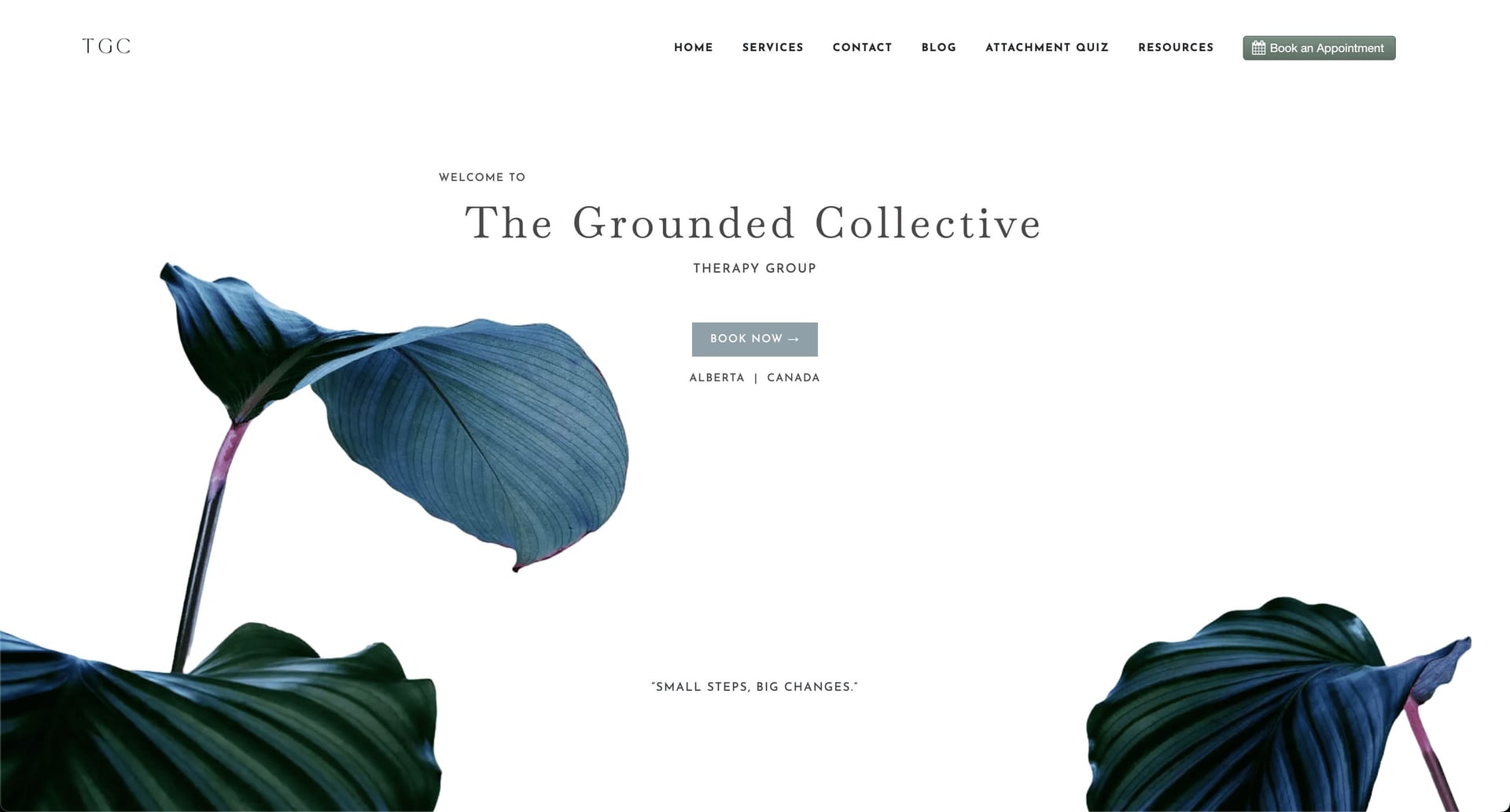
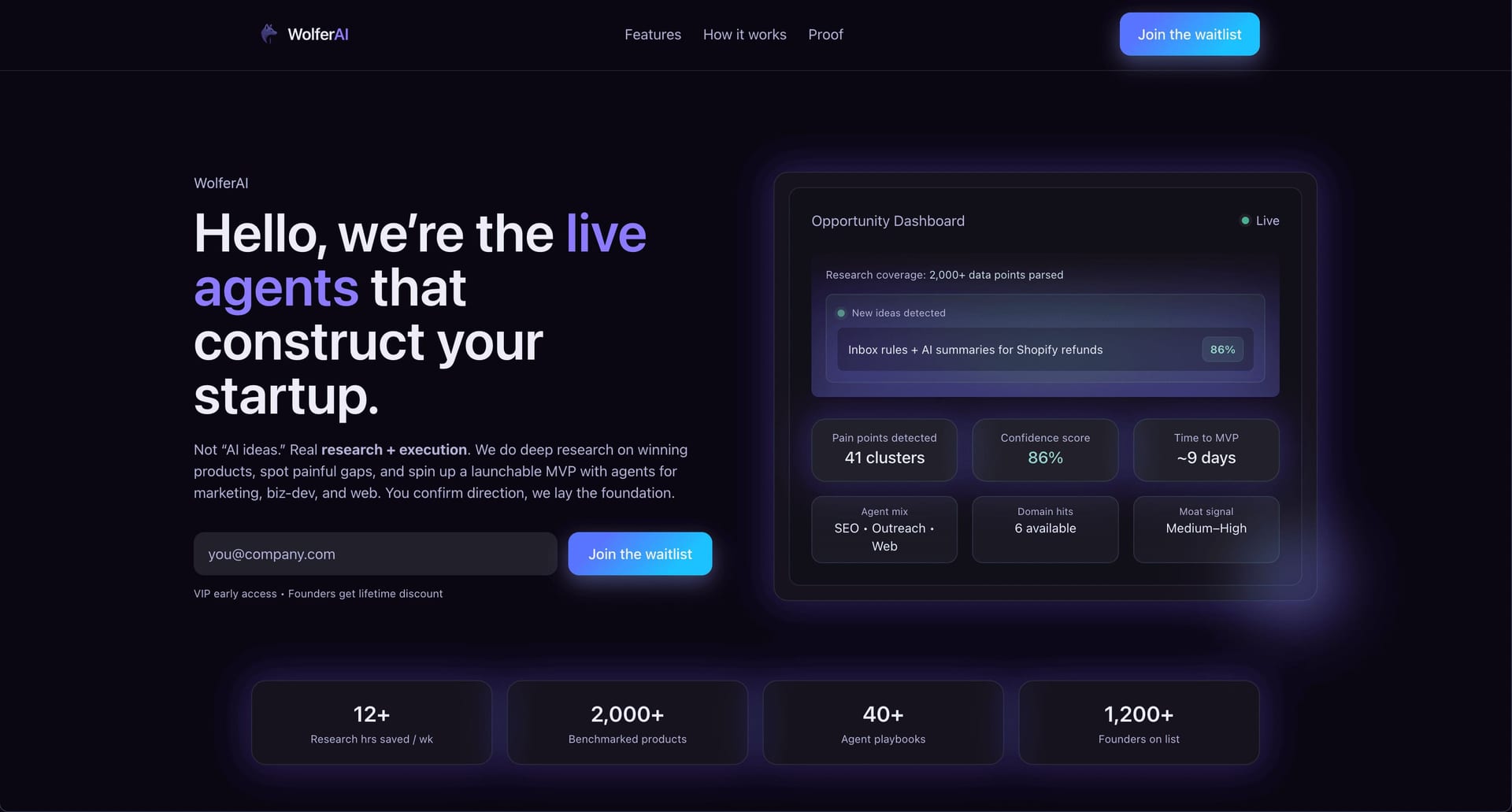
Clone a website from a URL, customize it with AI, and launch your new site.
Limited free preview · Pricing
Paste a public URL. Kloner creates a supported website preview you can customize with AI and deploy when it is ready.
“I pasted a URL, cloned the layout, and had my own version live the same day. Zero setup. Instant preview. One click deployment.”
Drop in a public website URL and Kloner builds a supported starting point.
Review the generated layout, sections, and structure before changing a detail.
Use AI or manual mode to edit copy, swap images, and customize the design to match your brand.
Publish the finished version when your editable website is ready to go live.

Refine copy, images, colors, and layout in the in-app editor, then see every change in your live preview before you launch.
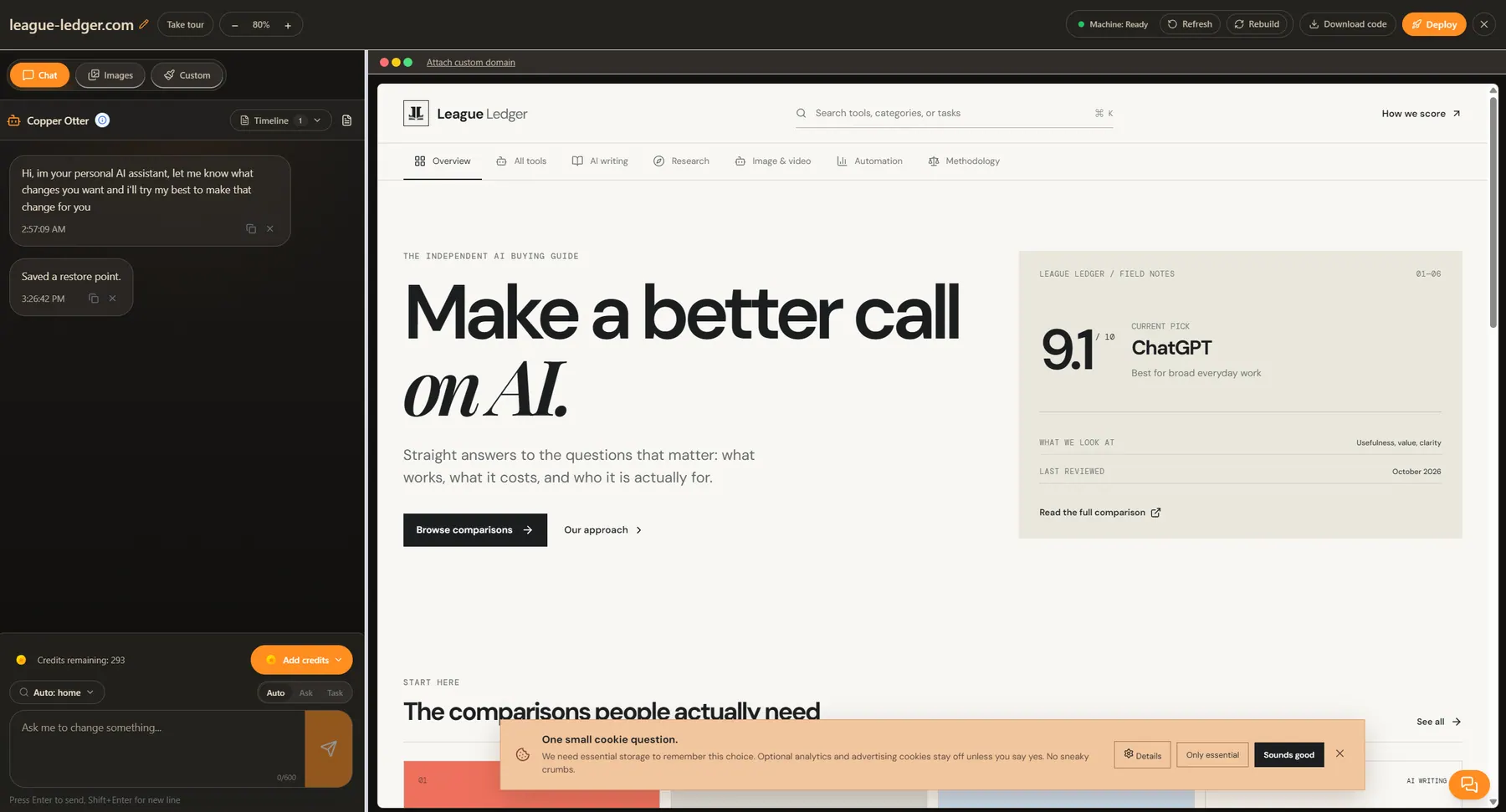
After entering your public URL, review the supported website structure and available assets, edit the result with AI, and deploy when it is ready.
Need a walkthrough? Learn how to clone a website from a URL or review free preview access and plan limits. Our guides also cover how to clone a website step by step, how to duplicate a website, and how to copy a website online.